• Starting today August 7th, 2024, in order to post in the Married Couples, Courting Couples, or Singles forums, you will not be allowed to post if you have your Marital status designated as private. Announcements will be made in the respective forums as well but please note that if yours is currently listed as Private, you will need to submit a ticket in the Support Area to have yours changed.

  • CF has always been a site that welcomes people from different backgrounds and beliefs to participate in discussion and even debate. That is the nature of its ministry. In view of recent events emotions are running very high. We need to remind people of some basic principles in debating on this site. We need to be civil when we express differences in opinion. No personal attacks. Avoid you, your statements. Don't characterize an entire political party with comparisons to Fascism or Communism or other extreme movements that committed atrocities. CF is not the place for broad brush or blanket statements about groups and political parties. Put the broad brushes and blankets away when you come to CF, better yet, put them in the incinerator. Debate had no place for them. We need to remember that people that commit acts of violence represent themselves or a small extreme faction.
  • We hope the site problems here are now solved, however, if you still have any issues, please start a ticket in Contact Us

14
How to Multi Quote a Person's Post:

This is what it looks like when I quote a person named "John Smith."


full


..................................................................................
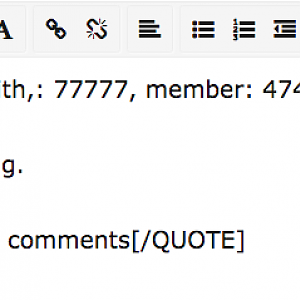
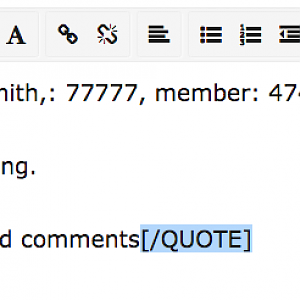
This is next image below is what I would do if I want to "multi quote" John Smith. I would first highlight the end quote and then hit either:

(a) The "control" button plus the "X" key (PC) or,
(b) The "command" button plus the "X" key (MAC).


full

..................................................................................
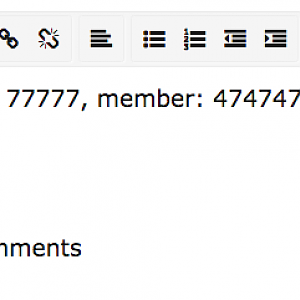
I would then paste the end quote at the top part of the first set of words I want to quote by hitting the "Control" button plus the "V" key (MAC: "Command" button plus the "V" key). See this image below and notice how the end quote moved from the bottom to the top part of the part I want to quote.

full


..................................................................................
I would then highlight the next part of the text I would like to quote.

full

..................................................................................
I would hit the "+" symbol in my tools bar at the top and a drop down menu appears. It gives me the option called "quote" and I select it.

full

..................................................................................

And this would be the result:

full

..................................................................................

Next, I would highlight the third comment I would like to quote and then I hit the "+" symbol in my tool box at the top, and then I would select the quote option:

full

..................................................................................

This is the result of what it should look like:

full


..................................................................................

Next, I would place the "=" key in my second quote that does not have an "=" symbol, and I would type in the words "You" in the second quote: The result would look like this:

full

..................................................................................

Next, I would place the "=" key in my third quote that does not have an "=" symbol, and I would type in the words "You" in the third quote: The result would look like this:

full


This Tutorial will be continued into my next post. Please be patient for me to update the second part of this tutorial.
 
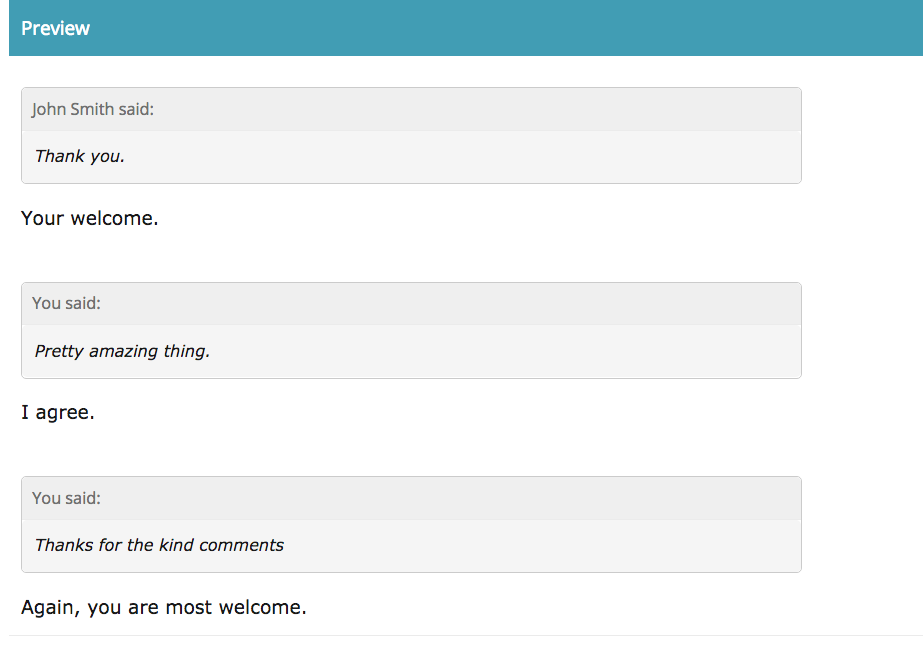
Here is what my reply would look like after I got my quote codes in place:

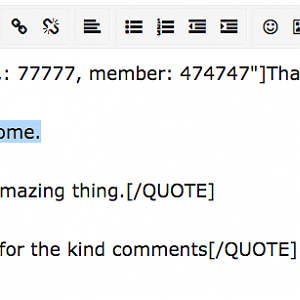
I would type "Your welcome" in my response below the first set of quotes. Yet, you can offer whatever own words you choose.

full

..............................................................................

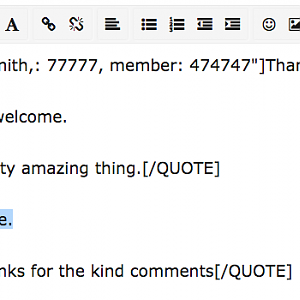
Next, I would type in my response "I agree" below the second set of quotes; However, you can offer whatever response you prefer.

full


..............................................................................

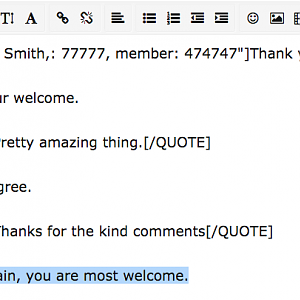
Next, I would type in my next response as "Again, you are most welcome." below the third set of quotes; But you can type whatever you like in this response. You can see what this looks like here:

full

..............................................................................

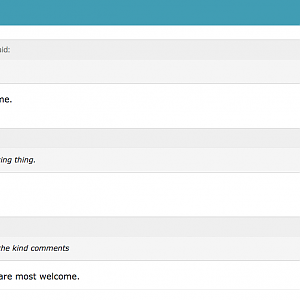
This is what it would finally look like (minus the words "(My reply):" that is added for clarity):


full

..............................................................................

I hope this two part tutorial helps;
And may God bless you.
 

Media information

Album
Jason0047's Media Gallery
Added by
Bible Highlighter
Date added
View count
511
Comment count
2
Rating
0.00 star(s) 0 ratings

Share this media